Product · Maya
Email handoffs, connected to the workspace.
Maya is built for the work that begins in email but needs to become visible to the team.
Uses a paid AI plan
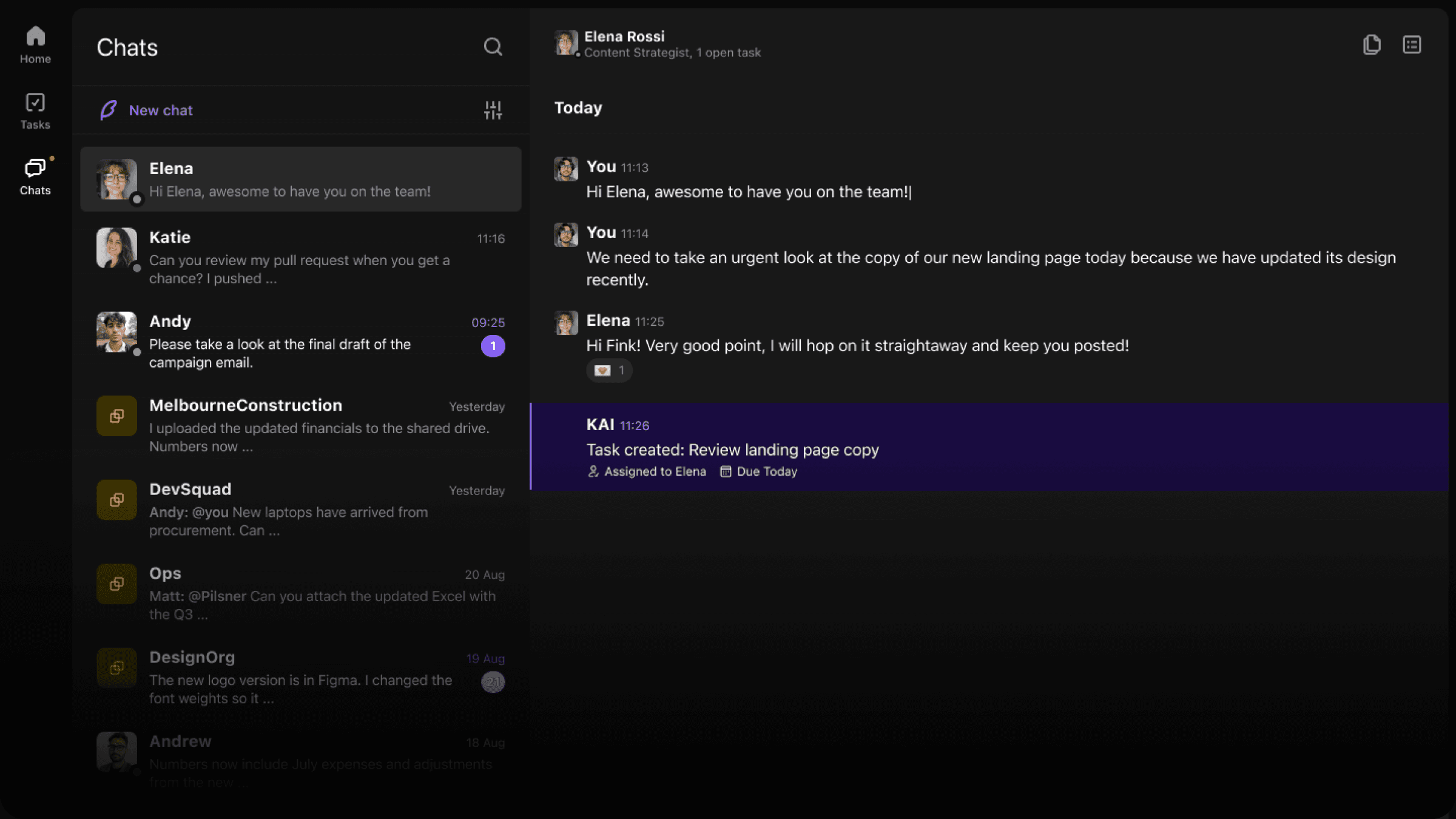
In the box
Everything Maya needs to connect email to work.
What it changes
Turns email into work
Important requests can move from inbox to tracked tasks without losing the original context.
Keeps responses grounded
Drafts and follow-ups can reference the work already happening in the workspace.
Reduces inbox drift
The team gets visibility into email-driven work before it becomes a private backlog.
The loop
How it fits the rest of the job.
Every part of Convoe feeds the same loop — conversation, owner, date, follow-through — instead of sending people to another disconnected tool.
- 1
An email needs action.
A client, partner, or teammate sends something that should not stay buried in an inbox.
- 2
Maya brings it into Convoe.
The request becomes visible work with source context attached.
- 3
The team follows through.
Responses, owners, and next steps stay connected to the shared workspace.
Keep going
Start with one conversation.
Maya uses a paid AI plan. The core crew app stays free.