Product · Tasks
Tasks with the conversation built in.
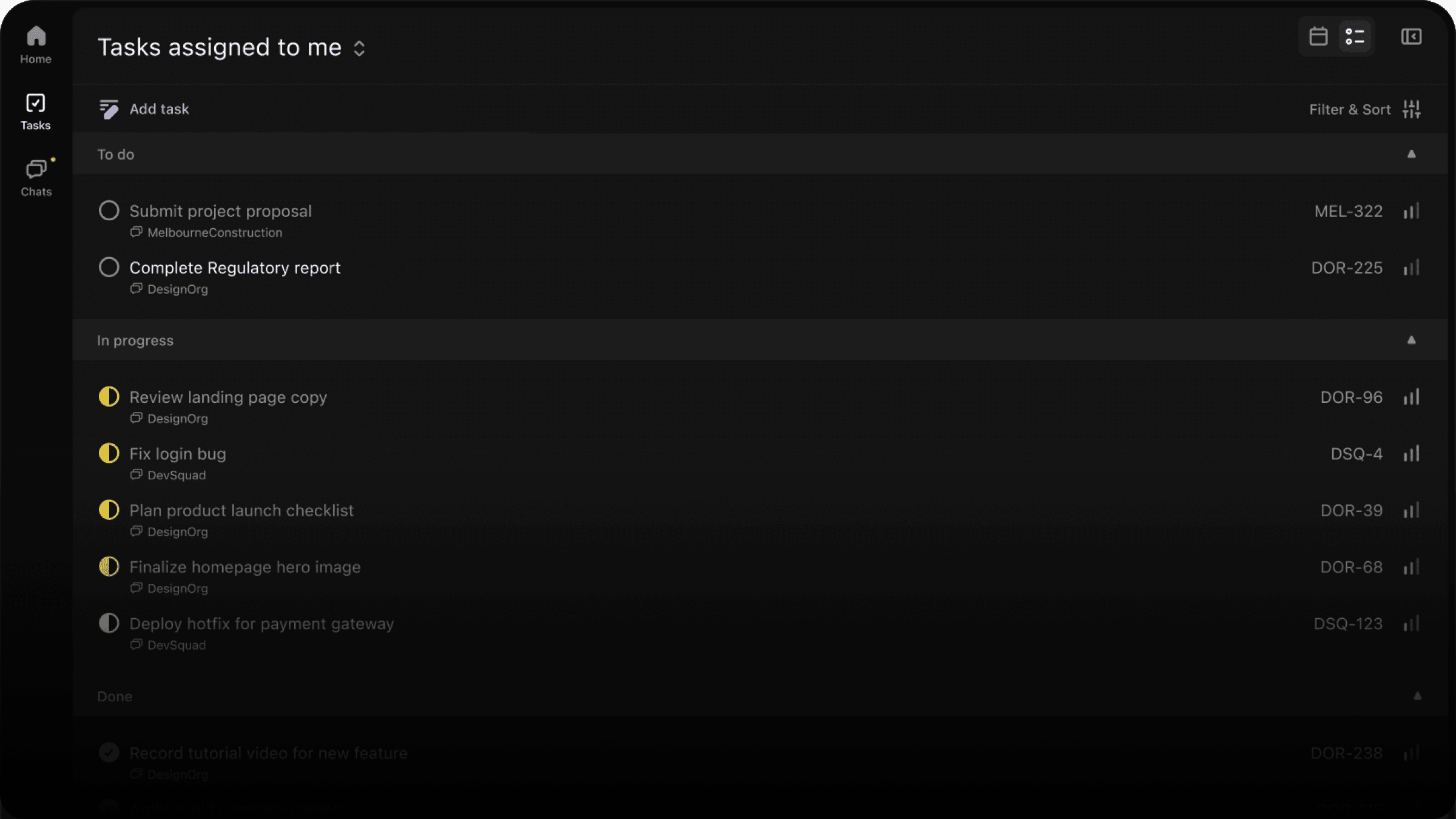
Every next step can keep its owner, status, date, and source context in one place.
Included in the free crew app
In the box
Everything tasks need after a decision.
What it changes
Clear ownership
Assign work, set status, and make responsibility visible to the team.
Context on every task
Keep the relevant conversation close so people can act without hunting for background.
Work that stays trackable
Use task views to understand what is open, blocked, or ready for follow-up.
The loop
How it fits the rest of the job.
Every part of Convoe feeds the same loop — conversation, owner, date, follow-through — instead of sending people to another disconnected tool.
- 1
Create the task from the source.
Turn a decision or request into work without separating it from the discussion.
- 2
Give it an owner.
Make the next step visible and accountable before it disappears in chat.
- 3
Follow it to completion.
Status and context stay together until the work is done.
Keep going
Start with one conversation.
The app is free for the whole crew — tasks included.